

Why Your Office Needs More IP Addresses For Productivity
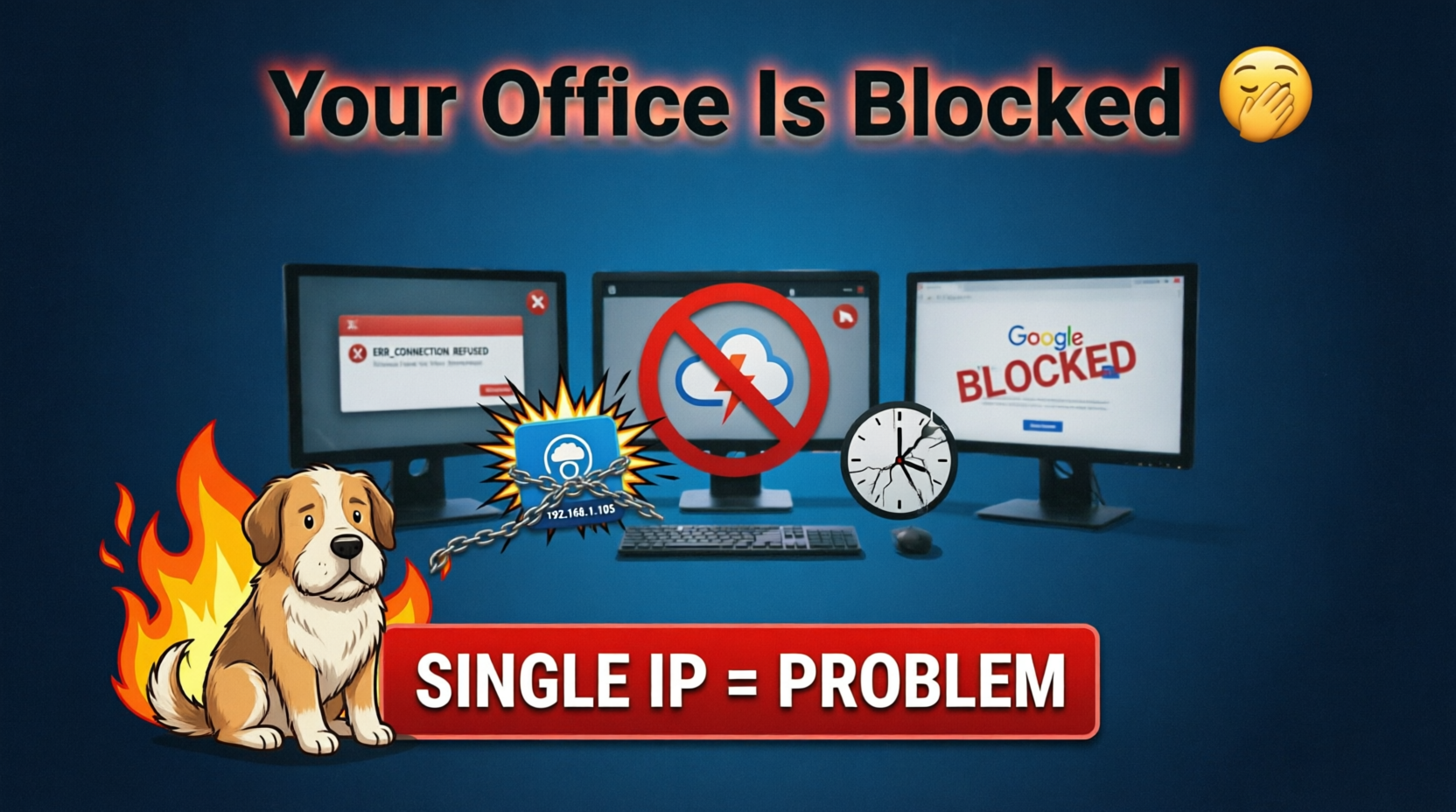
IPs today are almost a luxury, considering that IPV4 is essentially exhausted. And somewhat understandably, therefore even Business Broadband, Business Internet and even sometimes Dedicated Internet Access (DI/DIA) have severe restrictions on how many IPs they provide. In some cases, your ISP doesn’t even provide a real public IP and uses CGNAT, or maybe just provided 1 static IP or 1 dynamic IP.
If you are lucky, some providers will give you a /29 or 5 usable IPs but if you are an office with dozens or hundreds of people or more, this is often going to cause productivity issues. Normally we wouldn’t think more IPs equals more productivity but let’s think about how a lot of internet services work.
A good chunk of the internet uses large CDN/Cloud type of providers like Cloudflare, those services essentially profile risk and behaviour based on IP addresses. They generally don’t understand or account for why a single IP is making massive amounts of requests as the system is setup to assume “that should be 1 user’s worth of traffic and request”. Of course when you in an office with hundreds of people or more, this going to be an issue. You might have noticed or wondered why you are more likely to get Cloudflare Captcha’s or why you are searching Google and it thinks you are a bot.
Sometimes you are presented with an explanation, that the service suspects you as a bot or other malicious actor, and you need to prove yourself as not being a bot. But this takes time, especially if you it’s the image captcha where you may have to click through several rounds of images to choose “which is a bus” and of course sometimes you still get it wrong. In more unlucky cases, and I know for how a lot of our clients operate, they may just throttle or ban your IP without explanation and you may have no idea the service is just blocking or throttling you.
Other Issues
If you are in IT, running many systems, doing testing, or training; here is another unexpected issue. You may deploy a system or service, and usually it is by installing packages or other downloads. It works fine for you, but your colleagues, or students may find that they randomly have issues that are unexplained, once you add more of the same setup to your network. I’ve seen cases where offices are quietly filtered because most servers/services do not expect that level of traffic coming from a single IP and suddenly a lot of things break. It’s unpredictable since it worked for you, and you may find cases where packages or other online services just fail.
How can you solve the issue?
The larger the office, the more IPs you need. You should get as many IPs as your provider allows but sometimes they can’t provide more. Sometimes your ISP could be blacklisted depending on where you live, it could be that the whole ISP/ASN or large blocks are completely filtered and blocked by many services due to too much abuse.
You can get a VPN service or pay for proxies, but the security of these services cannot be guaranteed and you are now exposing all of your traffic to the VPN or proxy provider. Many have been exposed as being linked to various intelligence agencies and many times VPN and proxy IPs are blocked or throttled by a lot of the internet, since these IPs are often used for abusive purposes.
And now we’ll talk about a solution. You need a server provider that has its own IP space, or if you have your own IPs, perhaps you can route them at your provider but this usually requires the most expensive DIA service (on an average broadband connection, this will not be possible).
If you can’t route or get more IPs from your ISP, you can buy dedicated server(s) with a local provider to solve this issue. Once you have a clean provider, with clean IPs, you can route whatever traffic from your office through that provider, whether it is done via a secure VPN connection to the server or as a proxy. In the office side, you’ll need a firewall or router that can either route these requests straight to your server or if it’s just for web traffic, something like Squid that connects to the server provider. On the server provider side, you will need them or your IT staff to setup random routing of the IPs you have, otherwise all IPs will go out of the primary IP on that interface.
After this, everything should be fixed and even if you move offices or your ISP has given you “dirty” or “blacklisted” IPs, you won’t have any issues with throttling or being blocked. I have seen that some of the largest ISPs and IT departments are not aware of this. In some cases they do have enough IPs but don’t configure their routing to use the IPs randomly, so they all go out of the primary interface on 1 IP.
Have you seen this out there in the field or does your company/office suffer from strange access issue that I’ve described?